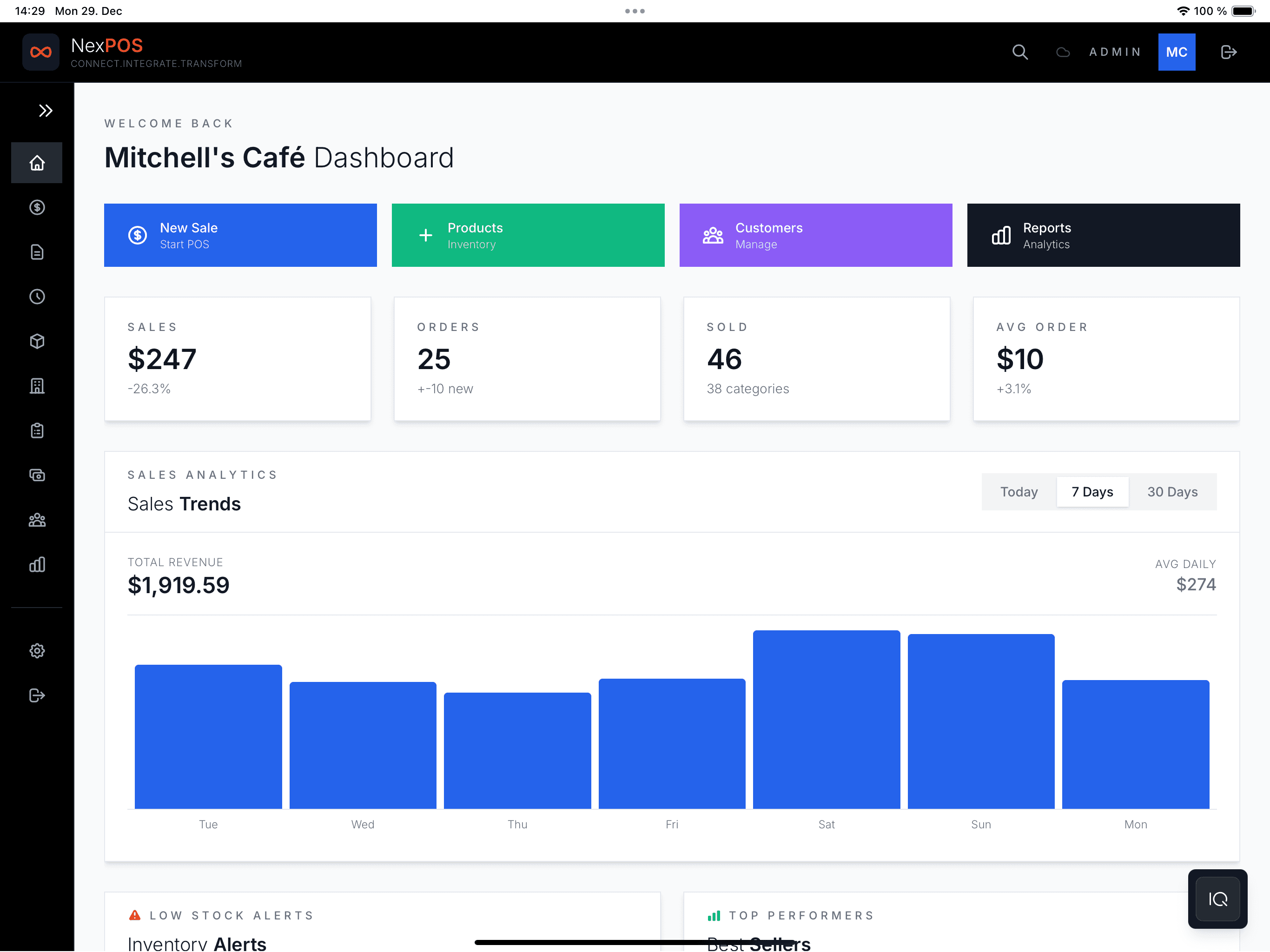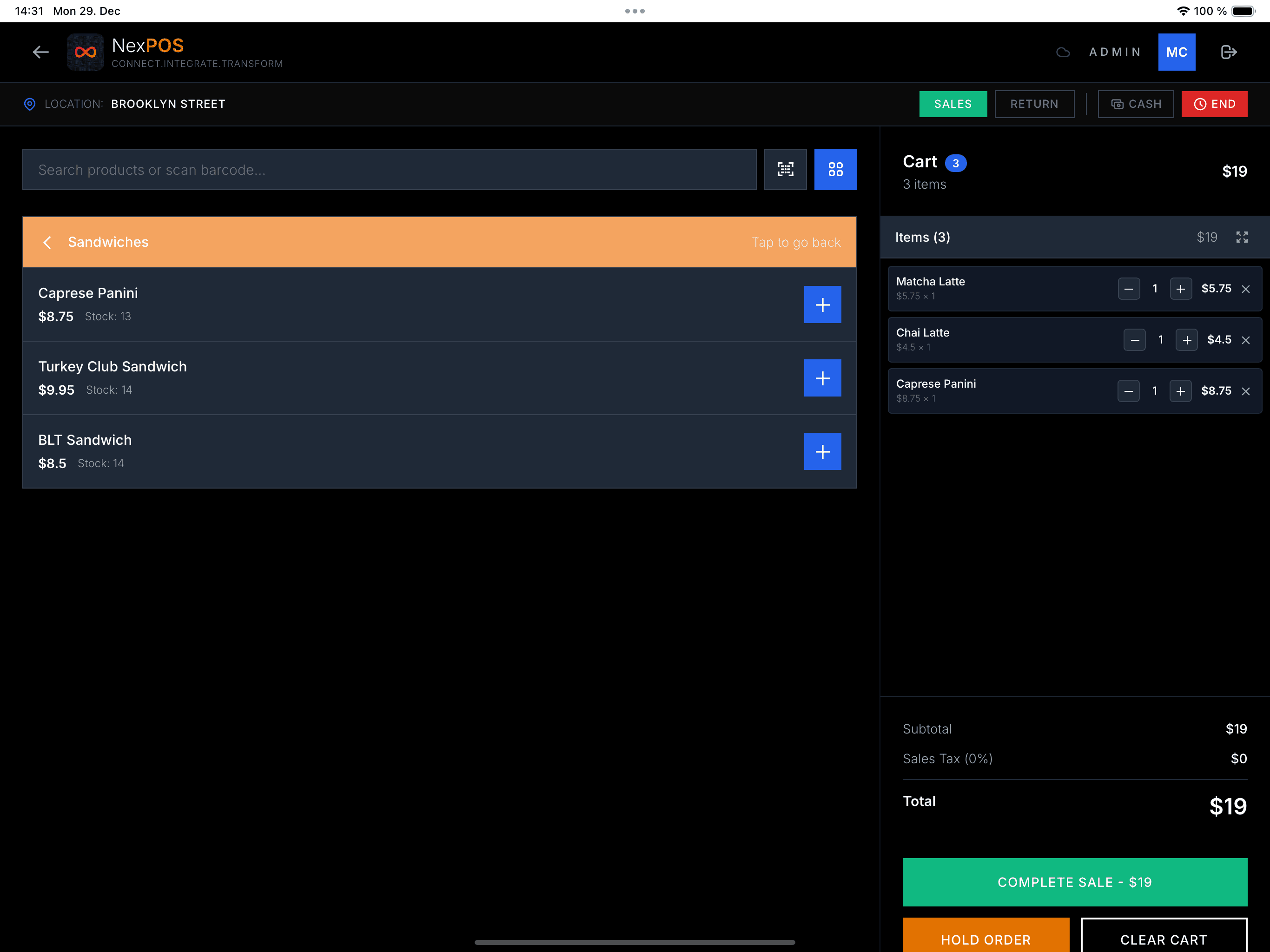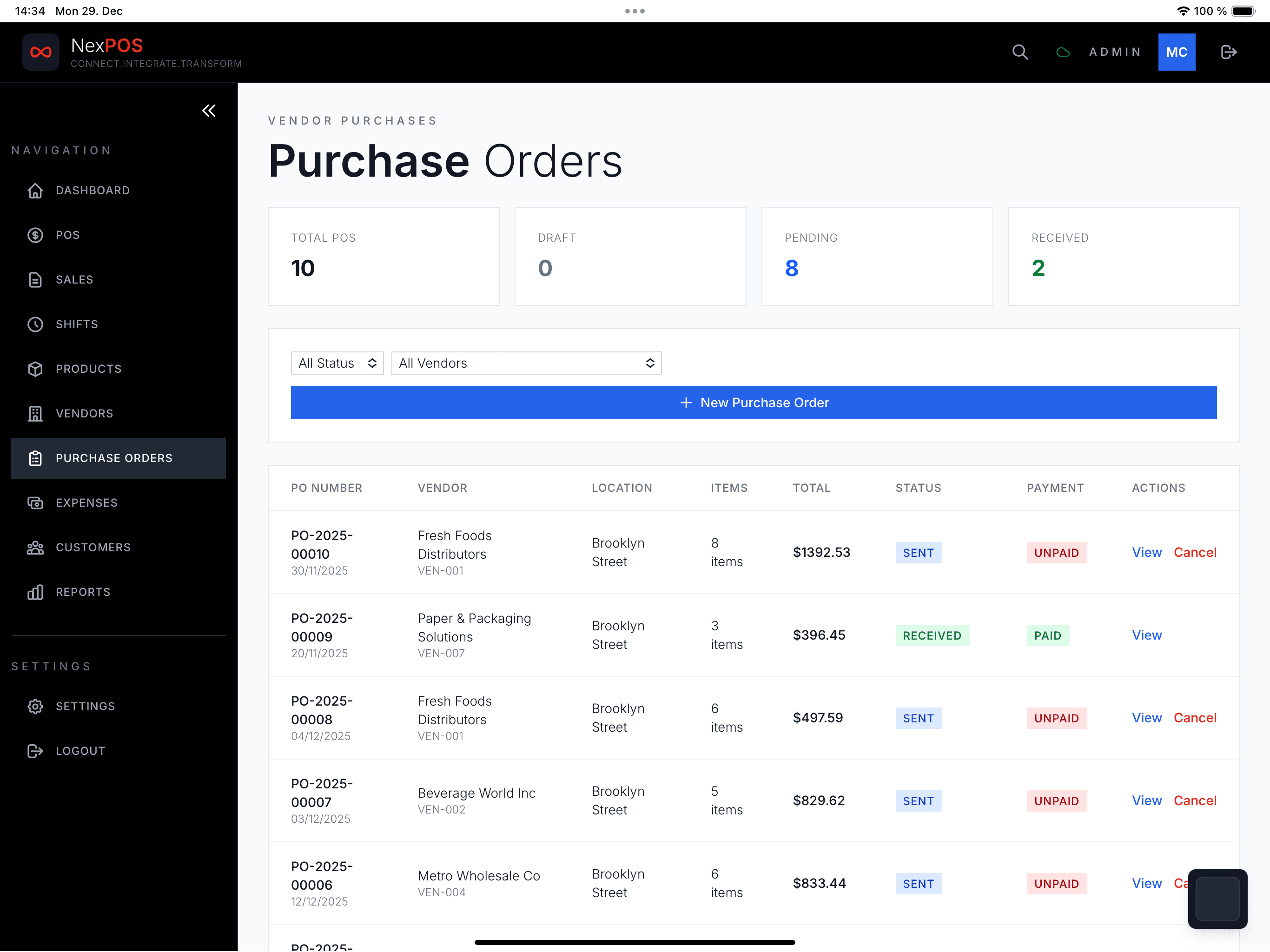
Running a restaurant is expensive enough. Your POS system should not add to the cost. Here is everything you need to know about using a free POS for your restaurant in 2026 — KDS, modifiers, splits, all of it.
The requirements
What a restaurant POS must have
Not every POS works for restaurants. You need a specific feature set, and missing any one of these will hurt your service.
- Table management — assign orders to tables, move between tables
- Kitchen Display System (KDS) — push orders to a kitchen screen
- Modifiers — "no onion", "extra cheese", "medium rare"
- Split bills — by item, by person, or custom amount
- Course firing — control when each course goes to the kitchen
- Tips — tip prompts at checkout
- Online ordering — pickup and delivery orders from your own menu page
NexPOS for restaurants
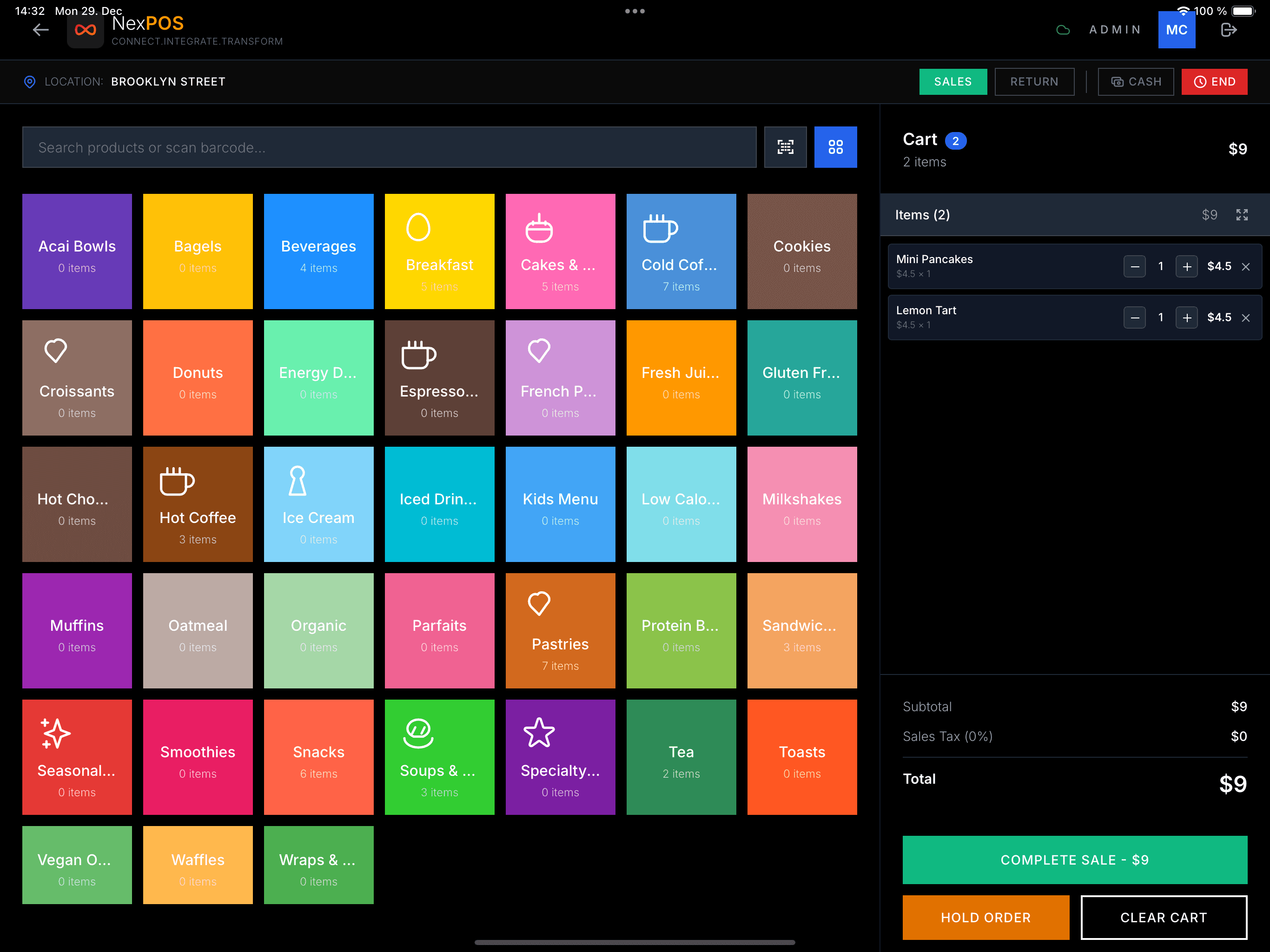
Free plan features
- Take orders and card payments
- Up to 50 menu items in 5 categories (Appetizers, Mains, Drinks…)
- Shifts and on-screen receipts
- Your local currency and tax
- Works on iPad, Android tablet, or any phone
Essential plan ($7.99/mo) — restaurant must-haves
- Kitchen Display System (KDS)
- Table management
- Printed and email receipts
- Customers and returns
- Sales reports and inventory
- Up to 3 users
Head-to-head
How other restaurant POS systems compare
| Feature | NexPOSWinner | Square Restaurant | Toast |
|---|---|---|---|
| Monthly cost | $0 – $7.99 | $60/mo | $69/mo |
| Card fees | Stripe rate + 0.5% | 2.6% + 10¢ | 2.49% + 15¢ |
| KDS | $7.99/mo | Included at $60 | Included at $69 |
| Hardware required | No — any device | Square Terminal | Toast hardware |
| Contract | None | None | 2-year commit |
Compare it with what you pay now
Run your restaurant on NexPOS — start free, with the kitchen display on Essential at $7.99/mo.
Start Free Now