Looking for a free POS system that actually works? Most "free" POS systems come with transaction fees, locked features, or tight limits. Here is how the main options compare on paper — what each one gives you free, and what it costs once you grow.
What makes a POS system "truly free"?
Before we rank anything, let us define the word. A truly free POS should mean all four of these things — not two of them in a marketing landing page.
- No monthly fees — not a 14-day trial, actually free forever.
- Clear card fees — you know exactly what is taken on a card payment, and nothing on cash.
- Usable feature set — not a hobbled demo with the good stuff behind a paywall.
- No forced hardware — works on devices you already own.
The top 5 free POS systems in 2026
1. NexPOS — best overall free POS
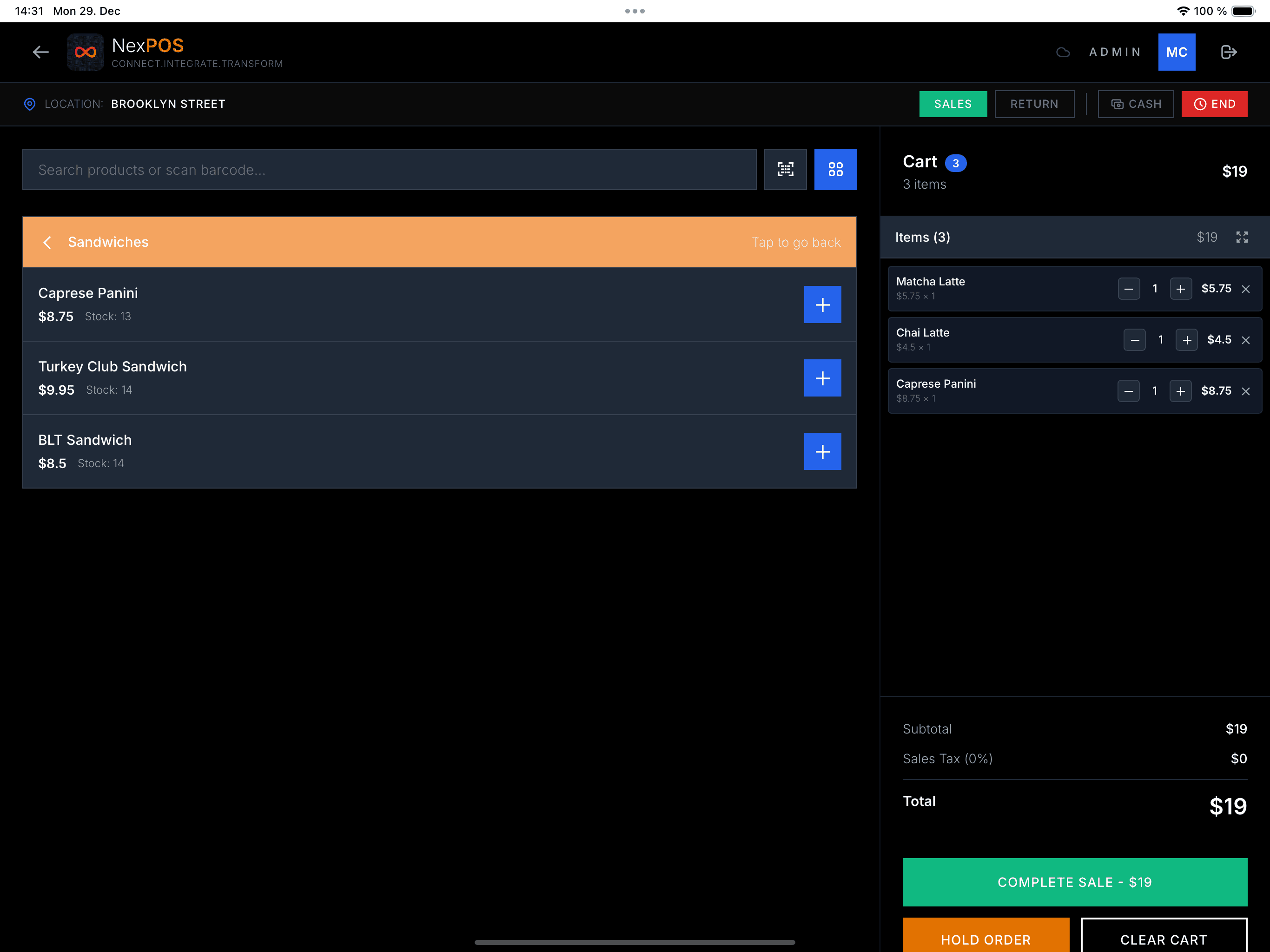
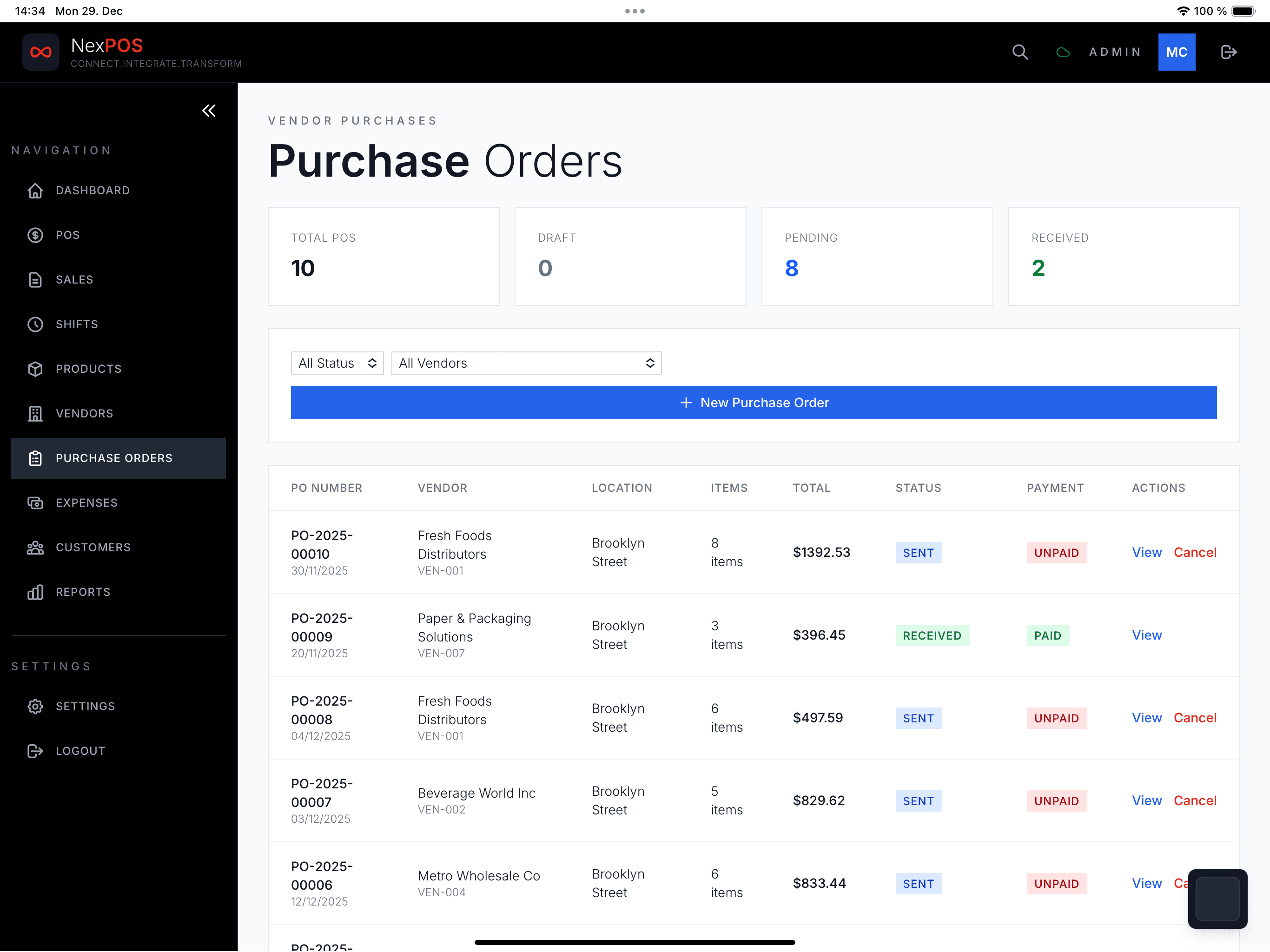
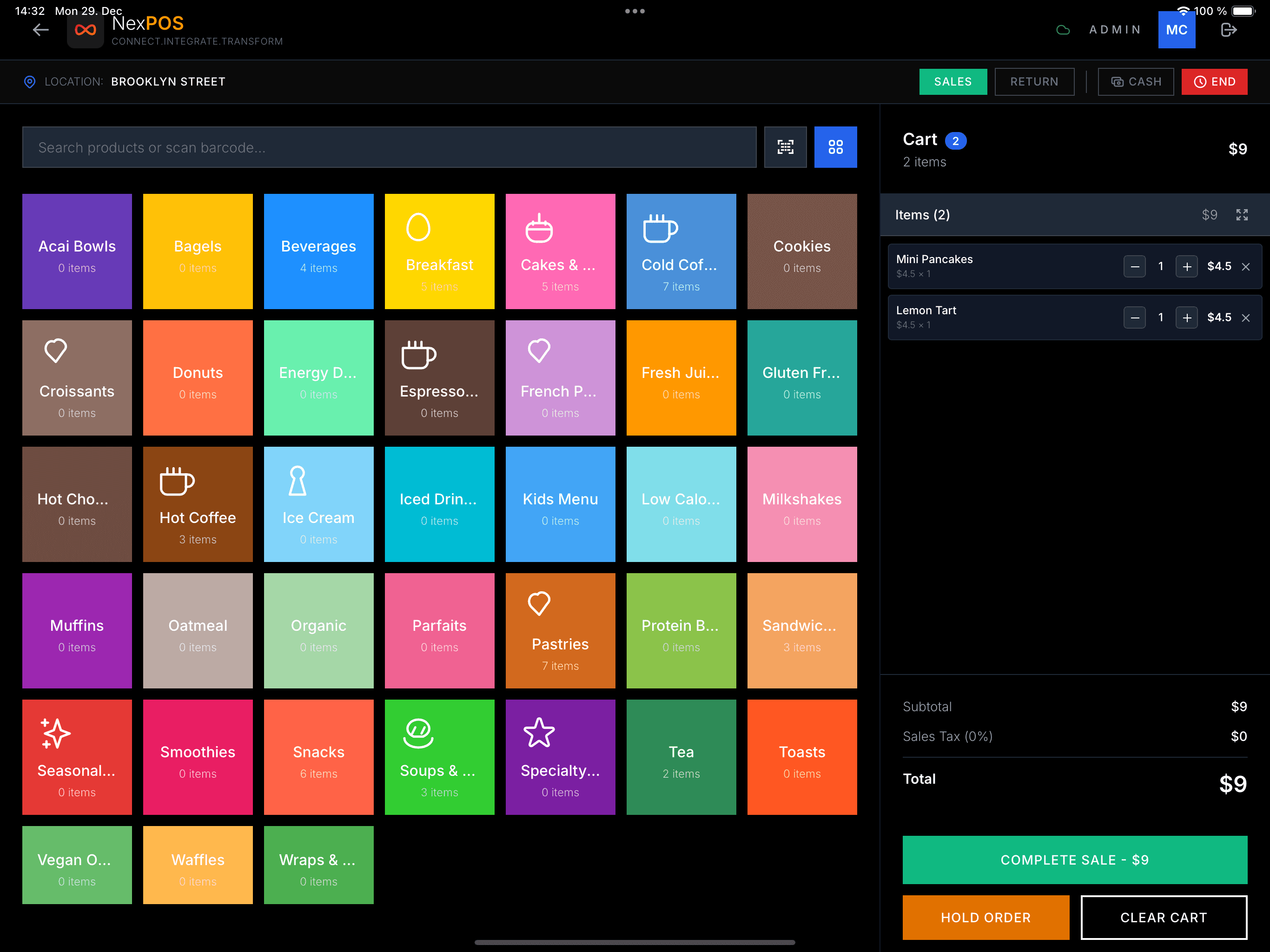
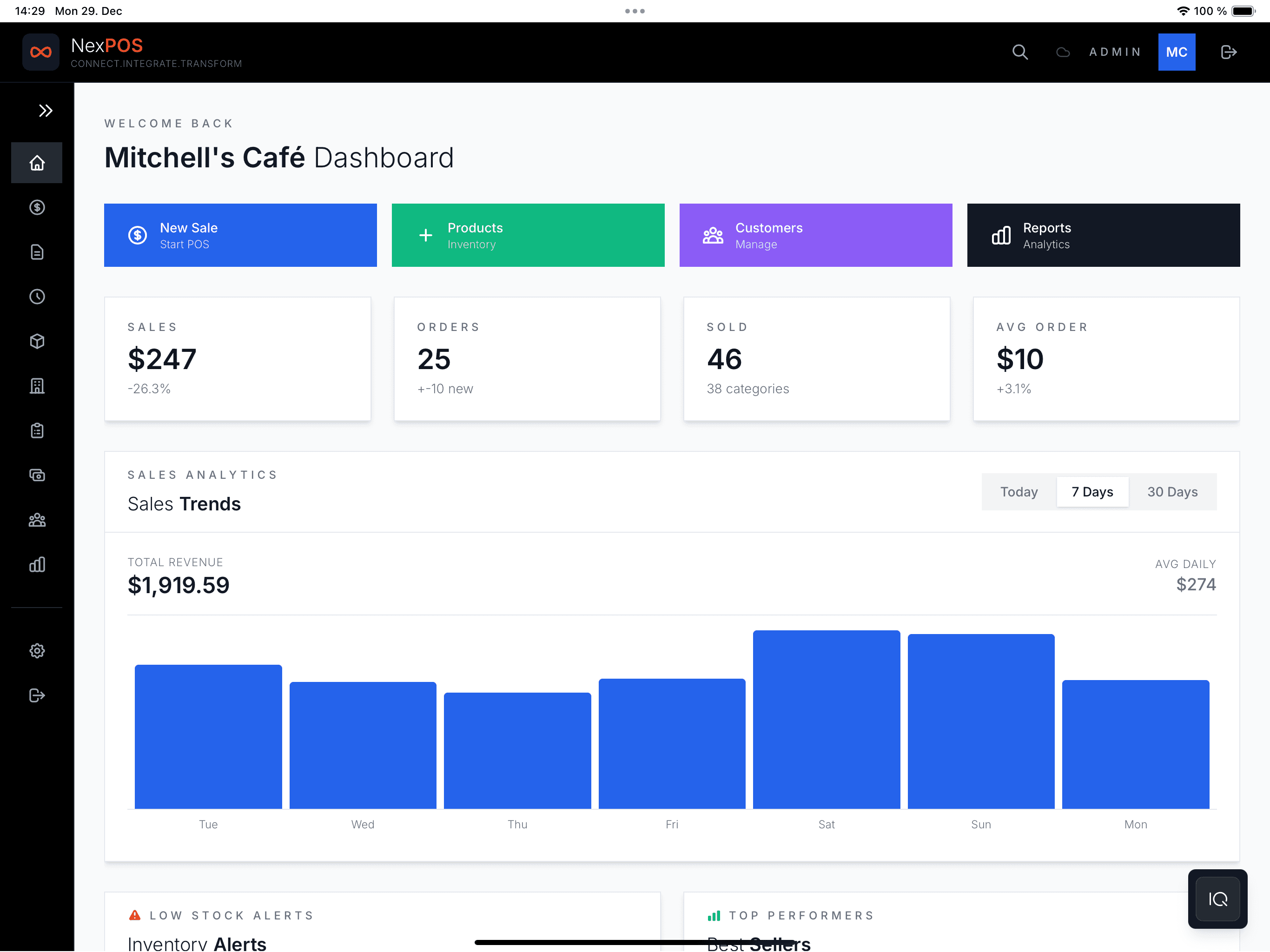
NexPOS has a Free Forever plan for getting started: one user selling up to 50 products, with shifts, on-screen receipts and card payments. Inventory, customers, printed and email receipts, reports and the kitchen display come with Essential at $7.99/month. NexPOS takes nothing on cash sales or on cards you take on your own card machine. Cards taken through NexPOS run on Stripe: Stripe's processing rate plus a 0.5% NexPOS fee.
- No fee on cash sales; cards through NexPOS at Stripe's rate + 0.5%
- Works on any device — phone, tablet, desktop browser
- Kitchen Display System (Essential plan, $7.99/mo)
- Sells in your local currency with local tax, and can show a second display currency
- NexIQ AI assistant for business questions (add-on)
- No credit card required to start
2. Square POS — most popular, not free
Square's "free" plan charges 2.6% + 10¢ per transaction. On $10,000/month in sales, that is $270 in fees. It is not free — it is commission-based, and that commission stacks up quickly.
- +Polished hardware ecosystem
- +Brand recognition
- +Banking and lending products
- −2.6% + 10¢ on every card transaction
- −No KDS or advanced inventory on free plan
- −Account freezes without warning
- −US-centric — limited international support
3. Loyverse — decent free option
Loyverse has a solid free POS with unlimited products and basic inventory. But employee management and integrations require paid add-ons, and there is no multi-currency support.
4. Odoo POS — open source
Odoo is open source and technically free, but it requires real technical knowledge to self-host. Not for non-technical business owners.
5. SumUp — low cost, still not free
SumUp has no monthly fee but charges per transaction. Same trap as Square, just packaged differently.
Free POS comparison table
Free plan features compared
| Feature | NexPOSWinner | Square | Loyverse |
|---|---|---|---|
| Monthly fee | $0 | $0* | $0 |
| Card fee | Stripe rate + 0.5% | 2.6% + 10¢ | Via payment partner |
| Cash sales fee | None | None | None |
| Products on free plan | Up to 50 | Unlimited | Unlimited |
| Kitchen Display | Essential ($7.99) | Paid add-on ($20) | Paid add-on |
| AI assistant | NexIQ add-on | No | No |
| Works offline | Professional | Limited | Yes |
Skip the spreadsheet — try it yourself
Start free in 2 minutes. No credit card. Just a POS that works.
Start Free NowOur recommendation for 2026
If you want to start selling for $0 on a device you already own, NexPOS is a strong pick: a free plan to begin with, Essential at $7.99/month when you need inventory, customers and a kitchen screen, and fees you can read in one line — nothing on cash, Stripe's rate plus 0.5% on cards taken through NexPOS.
Square is a great product, and its free plan is genuinely usable — you pay through its card rate, 2.6% + 10¢ on every card sale. Every card processor charges something; the question is how much, and whether your software costs extra on top. Compare the total for your own mix of cash and card sales.