A cloud kitchen has no dining room, so almost every order arrives through Swiggy or Zomato. The usual setup is a tablet per app and a third screen for billing, with somebody retyping every order. A POS built for this puts both apps on one till. Here is what to look for.
The problem with three tablets
- Every order is read off one tablet and typed into billing again, so mistakes creep in on busy nights.
- When a dish runs out, it has to be switched off in each app separately.
- Stock and the day's takings do not match, because online orders never pass through the till.
- You only find out what each app actually pays after the settlement arrives.
What a cloud kitchen POS should do
- One order list: Swiggy and Zomato orders arrive on the till by themselves, each marked with where it came from.
- Kitchen tickets: every order prints in the kitchen with its special instructions, or shows on a kitchen screen.
- One menu for both apps, with an optional price uplift for online orders.
- Sold out everywhere at once: mark a dish sold out at the till and it switches off on both apps.
- A pause button for when the kitchen is full.
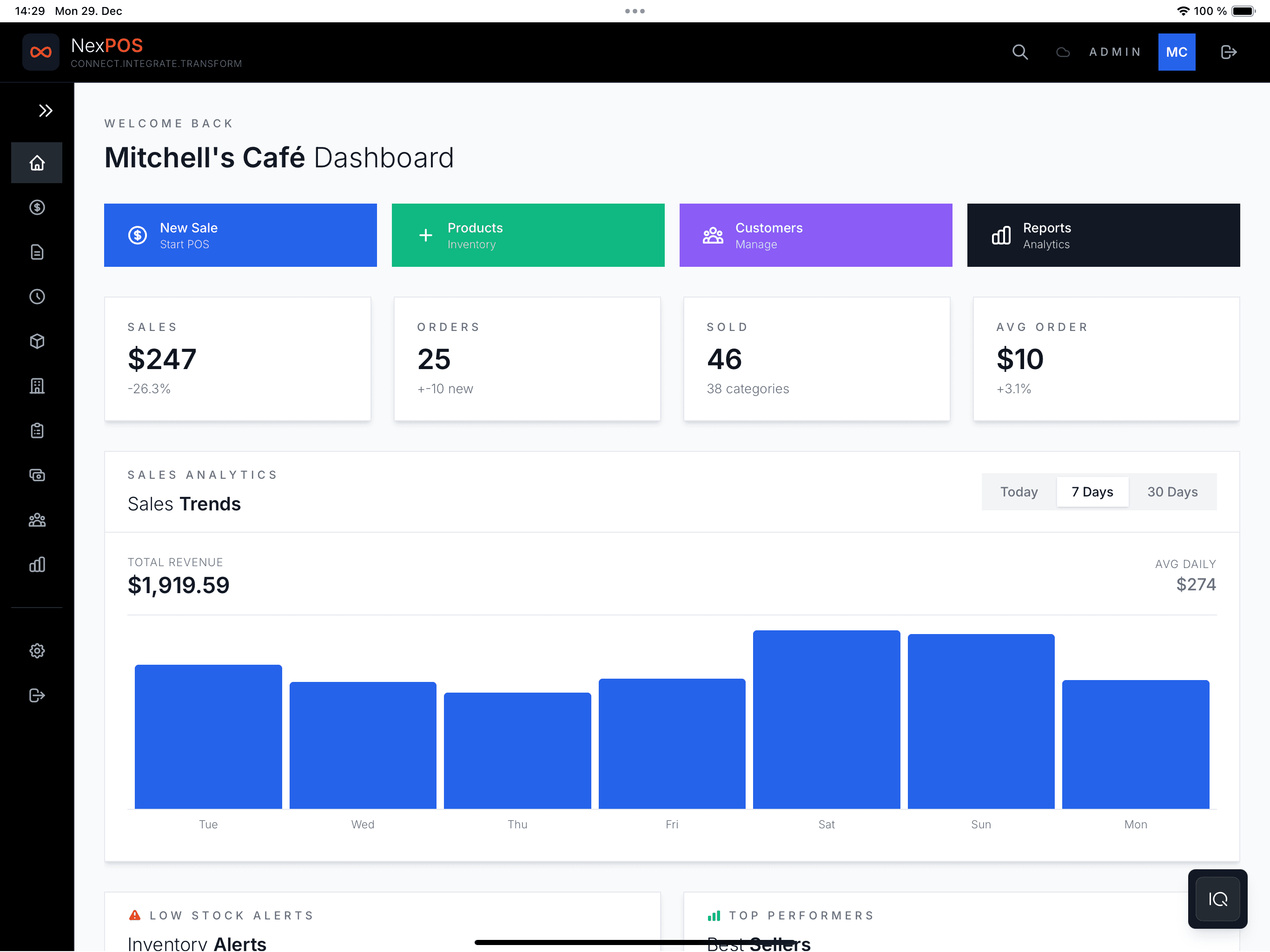
- Payout after commission in your sales report, so you know what each app will pay.
- GST on every bill, with the CGST and SGST split.
Swiggy and Zomato on the NexPOS till
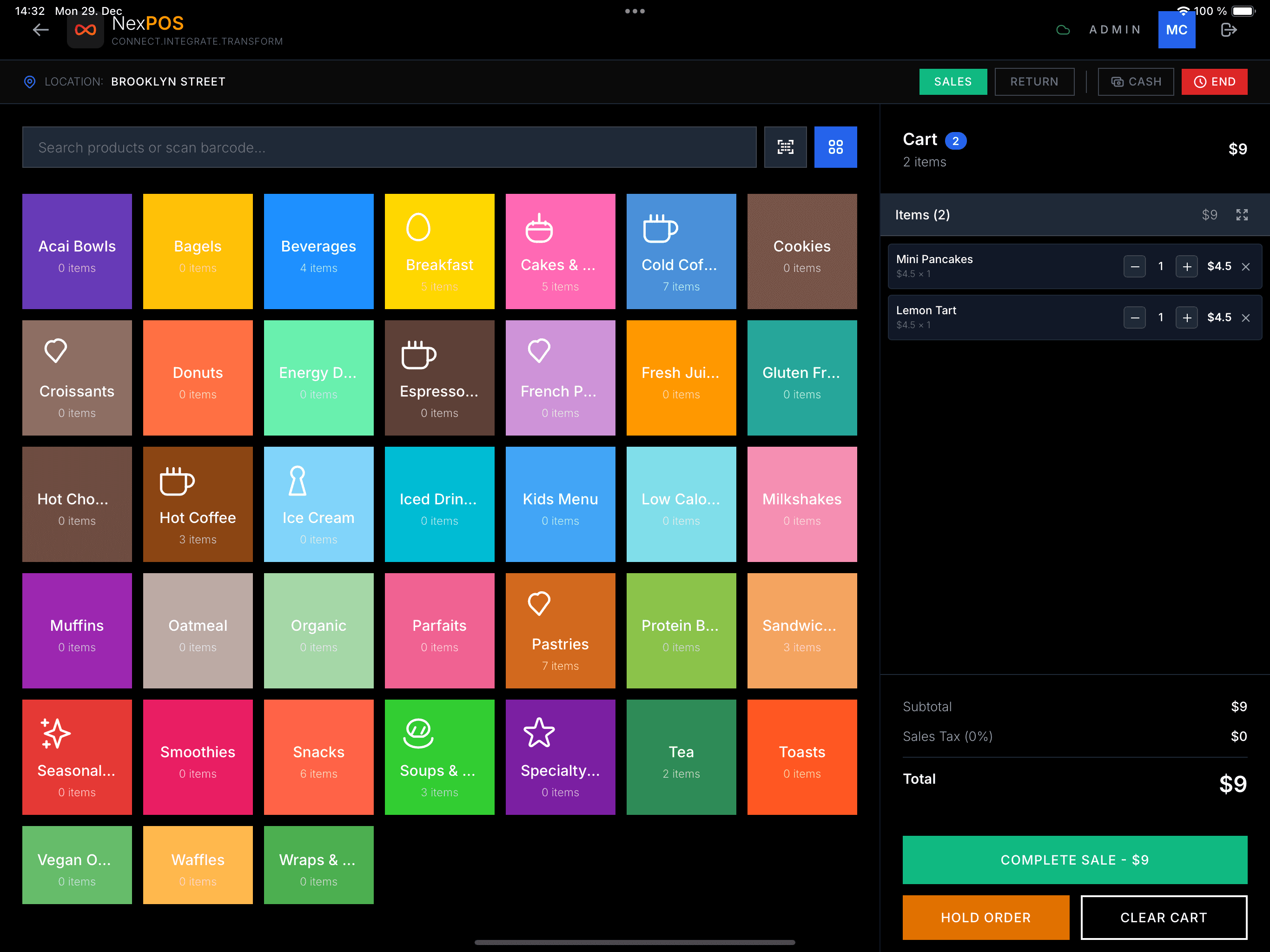
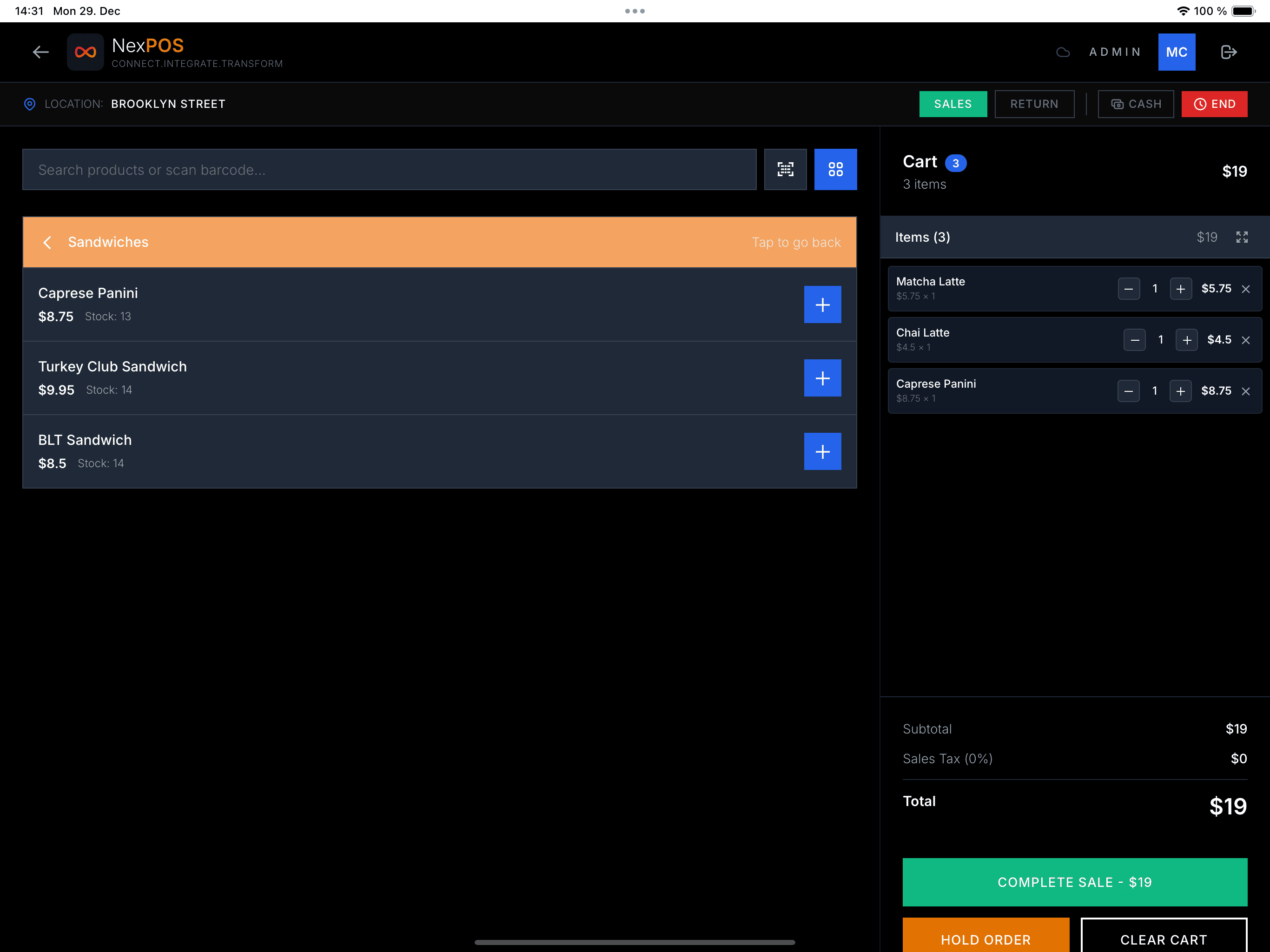
NexPOS does each of the points above. Once Swiggy and Zomato have approved your outlet, NexPOS connects them the same day. Your POS menu goes to both apps in one go (Swiggy reviews a new menu in 4 to 6 hours), and from then on every order lands on the till, rings up like any sale so stock and the shift stay right, and prints on your thermal printer. You can stop new online orders for 15, 30 or 60 minutes, or until you resume, without touching either app. Set each app's commission once and the sales report shows the expected payout. Details on the Swiggy and Zomato POS page.
For the kitchen itself, Essential adds a kitchen display with a screen per station, and Professional adds recipes and ingredient costs, so each dish takes its ingredients out of stock. See the restaurant POS page and the quick service POS page.
What it costs
Start on the free plan. Essential is ₹499 a month and Professional ₹1,999 a month when you need more. The Swiggy and Zomato connection is an add-on priced by how many online orders you take in a month; talk to us for your price.
Questions
Can I get Swiggy and Zomato orders on one POS?
Yes. With NexPOS, Swiggy and Zomato orders arrive in one list on the till, each marked with where it came from, and print in the kitchen.
How long does it take to connect Swiggy and Zomato to NexPOS?
NexPOS connects them the same day once Swiggy and Zomato have approved your outlet. Swiggy reviews a new menu in 4 to 6 hours.
What does a cloud kitchen POS cost on NexPOS?
The free plan costs nothing; Essential is ₹499 a month and Professional ₹1,999 a month. The Swiggy and Zomato connection is an add-on priced by your monthly online orders.